
This Guide is for everyone who serves with the Zahli staff app, on a phone or in a browser. Each topic is one task, with an example from Beizli Muster, a small restaurant with a Gaststube and a Terrasse, where Silvia serves.
Only with Open tabs
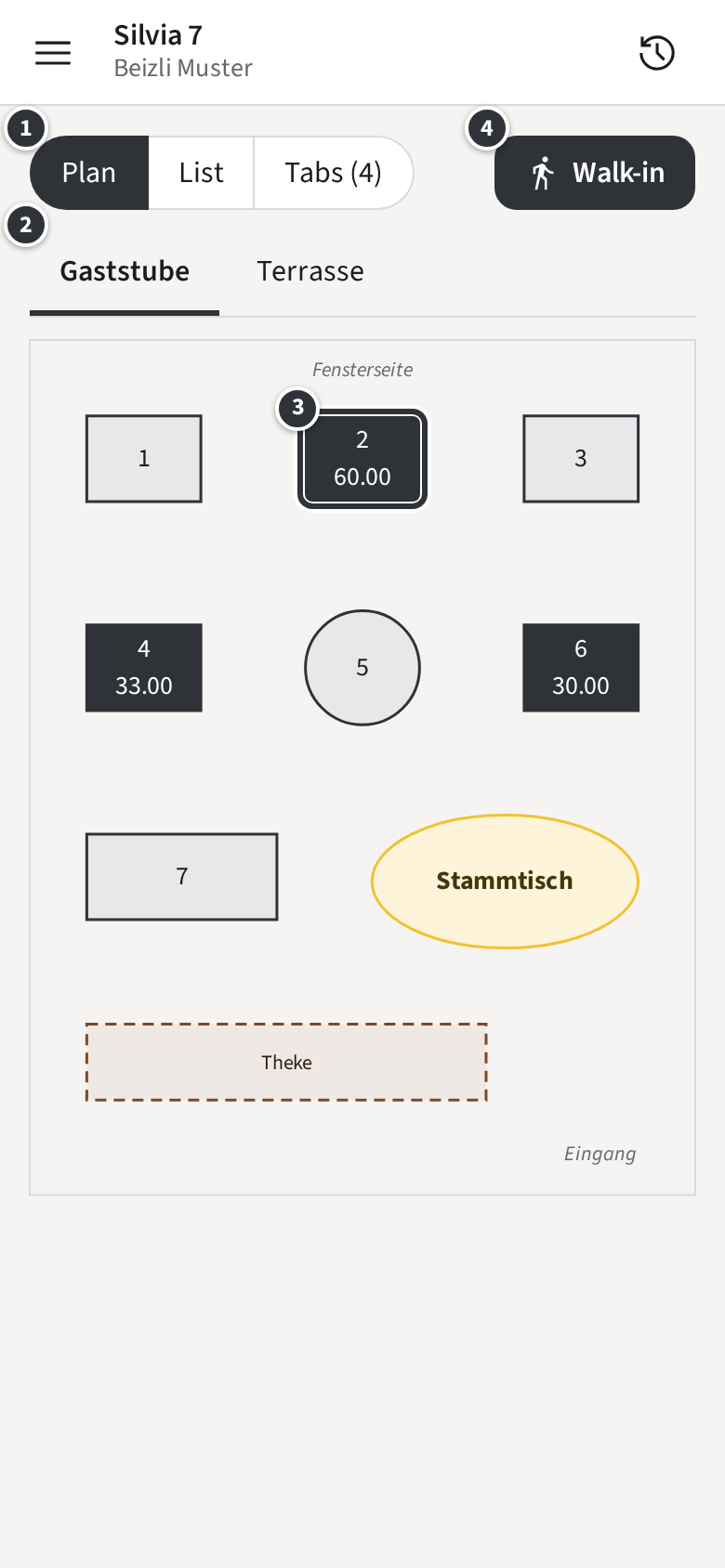
Only with Pay-first
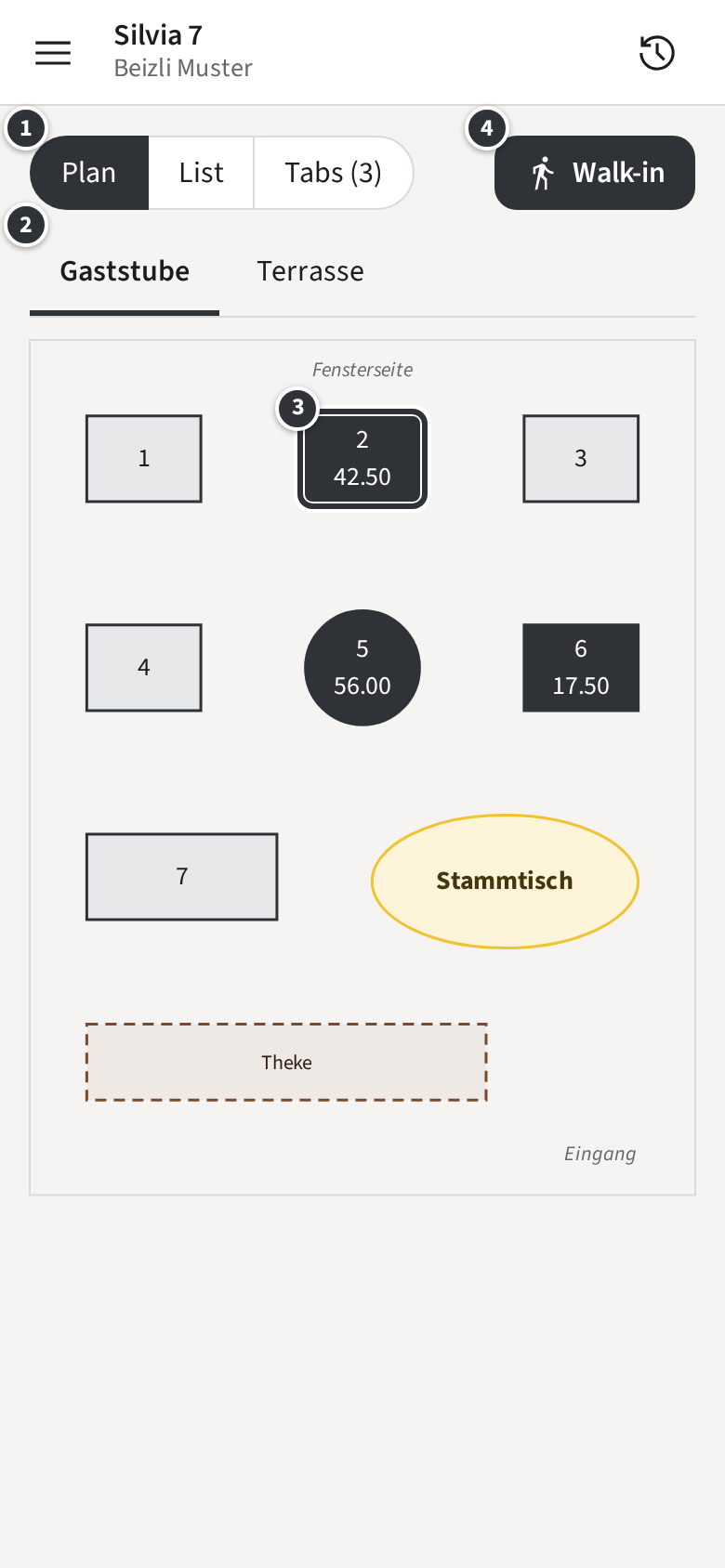
The words this Guide uses
Section titled “The words this Guide uses”- Room: one floor plan of the venue, such as the Gaststube or the Terrasse. It holds the Tables.
- Tab: everything one party owes. You open it at a Table, or as a Walk-in for a guest at the counter, who gets a Pickup number. Every Tab has a Tab number, such as #1042.
- Round: the items you send to the kitchen and the bar at one moment. Until you send it, what you pick is your Draft, kept only on your phone or browser.
- Station: where items are made, such as Küche or Bar. Each Station gets a Ticket with its part of the Round.
- Modifier: an option of an item, such as the side or the dressing. A Follow-up group is a choice that only appears after a pick, like the dressing after the salad.
- Note: free text for the kitchen on an item or on the whole Round.
- Payment: the guest paying by Card, Twint or Cash, with an optional Tip. Several Payments on one Tab are a Split.
- Receipt: the record of a Payment, printed on request and always on the Tab page, which the guest opens with a QR code.
- Void: taking an item that is not paid off a Tab. A Discount lowers what the guest pays.
- History: what you sent and took in a business day.
Only with Pay-first
Your venue works Pay-first: the guest pays first, and the items go to the kitchen once the Tab is paid in full. See Pay-first.
Only with Open tabs
Your venue works with Open tabs: what you send goes to the kitchen at once, and the guest pays when they leave.
The first steps: sign in, then open a Table in Rooms.
You find this guide in the staff app too, under Settings → Help (see Your language).