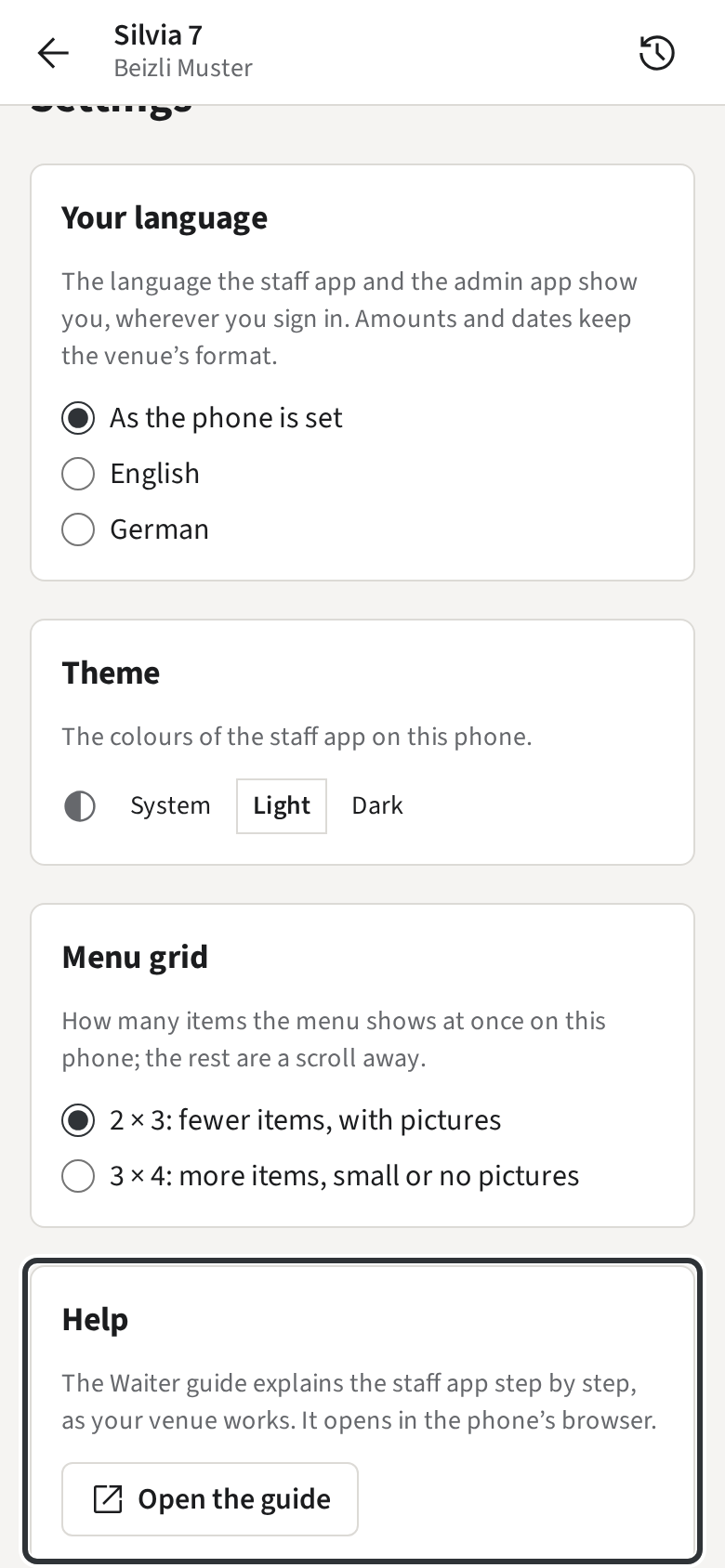
Your language
This guide shows what applies to your venue.Show everything
The staff app speaks English and German. Each Staff member chooses their own; amounts and dates keep the venue’s format, such as CHF 1’234.50.
- On the Rooms, tap the menu at the top left and then Settings.
- Under Your language, pick English or German. As the phone is set follows the phone’s own language.
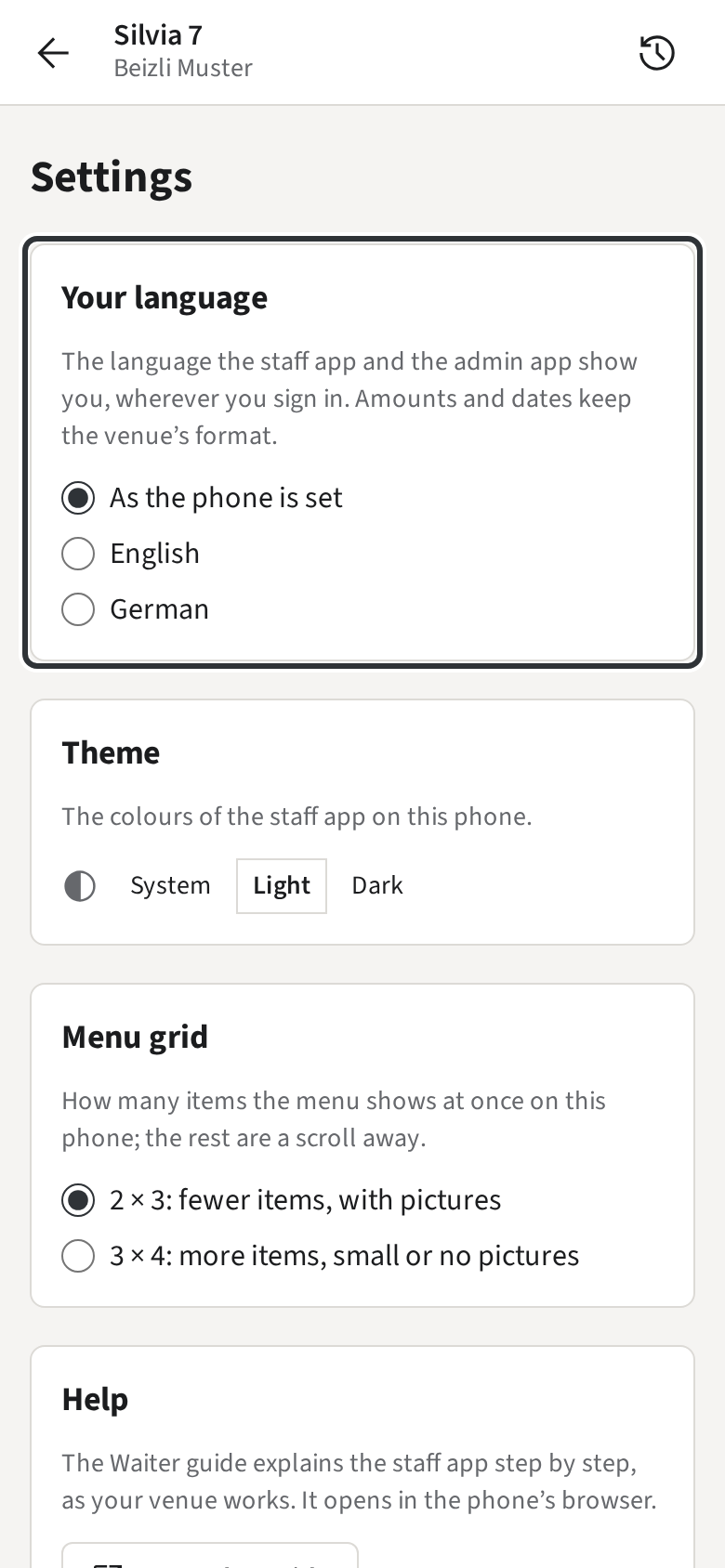
The choice is saved with you, not with the phone: Silvia sees the app in her language on every phone of Beizli Muster she signs in to.
In Settings you also choose the colours (Theme) and how many items the menu shows at once (Menu grid); both are kept on the phone.
Help: this guide in the app
Section titled “Help: this guide in the app”At the bottom of Settings, Help → Open the guide opens this guide in your language, set up for how your venue works, so it leaves out what does not apply there. On a phone it opens in the phone’s browser, in a browser in a new tab. In the phone’s browser nobody is signed in, so the pictures show Beizli Muster instead of your venue’s own Rooms and menu.