
Opening a Tab or a Walk-in
This guide shows what applies to your venue.Show everything
A Tab opens with its first Round: until you send something, nothing is booked and the Table stays free for your colleagues.
At a Table
Section titled “At a Table”Example: a couple sits down at Table 7 of the Gaststube.
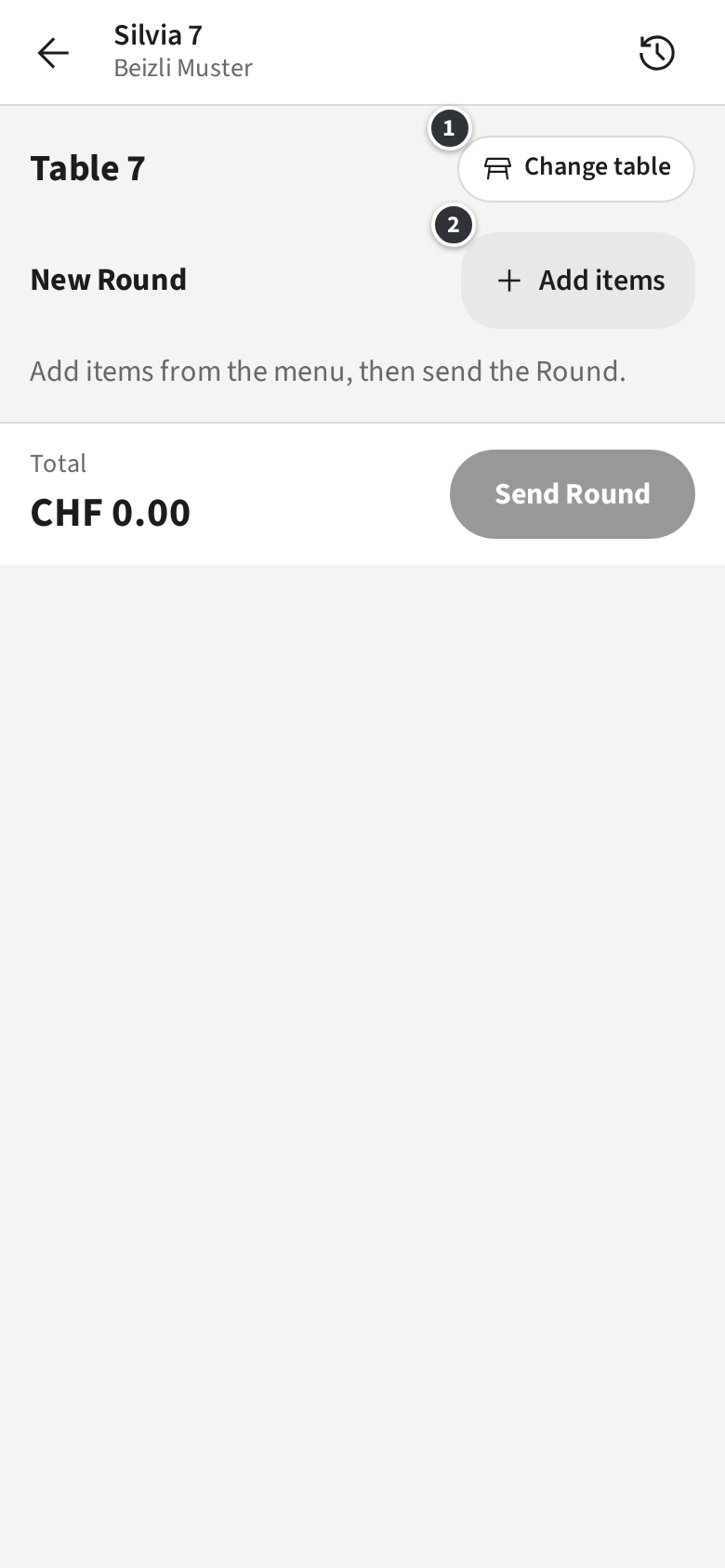
- In the Rooms, tap Table 7. The new Tab is titled Table 7.
- Tap ② Add items and pick what they order (Taking a Round).
- Only with Open tabs Tap Send Round. Only with Pay-first Tap Pay & send. The Tab now has its Tab number, such as #11 · Table 7.
Only with Open tabs
Only with Pay-first
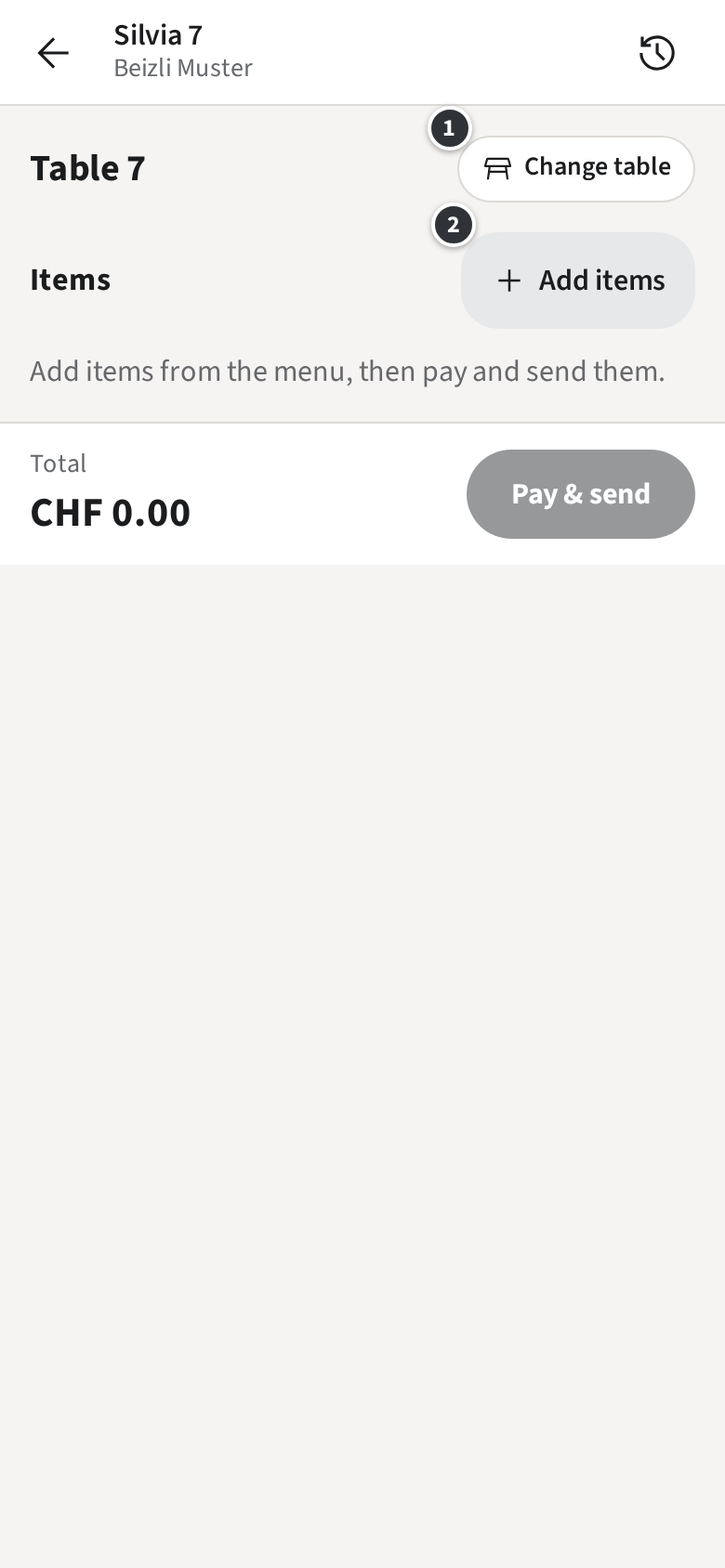
Wrong Table? Tap ① Change table and choose another one. If that Table already has an open Tab, your items join that Tab.
Only with Walk-ins
A Walk-in
Section titled “A Walk-in”A guest who orders at the counter gets a Walk-in instead of a Table.
- In the Rooms, tap Walk-in.
- Pick the items and send them.
- The Tab gets a Pickup number, shown in its title, such as #12 · Walk-in 3. Call the guest by that number when the order is ready.
Only with Guest slips
The guest gets a Guest slip with the Pickup number and the QR code of their Tab page, printed with the Round.
Only when a Table is required
A Table is required
Section titled “A Table is required”In your venue every Tab needs a place. If you send without one, the staff app says Choose a Table first. and opens the Table picker; choose the Table Only with Walk-ins or Walk-in and send again.
If your venue starts on the menu rather than on the Rooms, you pick the items first; the Tab is titled No table yet until you choose its place with Change table.