
Moving a Tab
This guide shows what applies to your venue.Show everything
Example: the guests at Table 2 move to the bigger Table 7.
- Open the Tab of Table 2 and tap Change table.
- Tap Table 7. Tables that have an open Tab are greyed out and cannot be chosen.
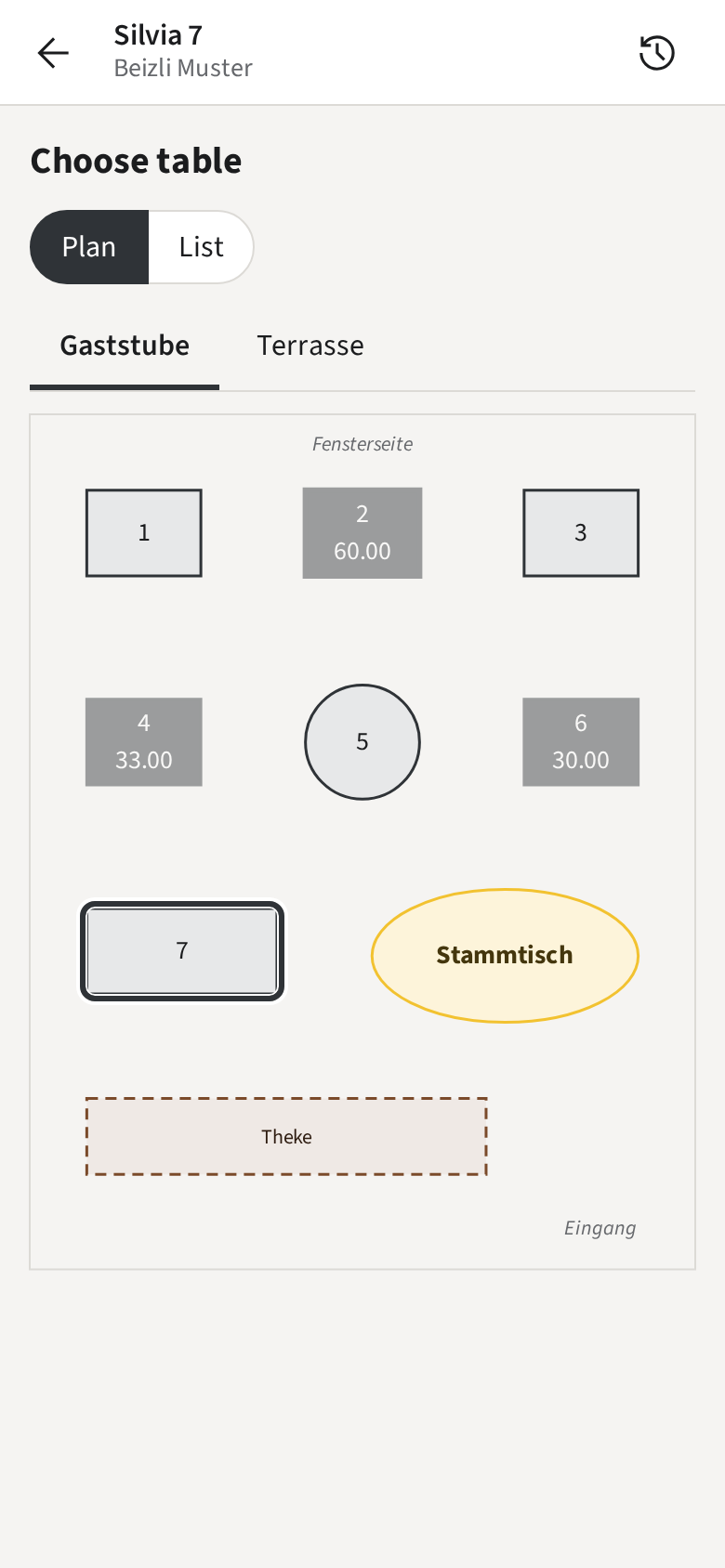
The Tab, with all its Rounds and Payments, is now at Table 7, and Table 2 is free. The Tab shows the move under Moved.
A Walk-in stays a Walk-in; it cannot move to a Table.