
When the screen says deactivated or Not rented
Sometimes the kitchen terminal shows a message instead of the Tickets. You cannot fix these on the tablet; tell a Manager, and in the meantime work from the printed Tickets.
This Device is deactivated
Section titled “This Device is deactivated”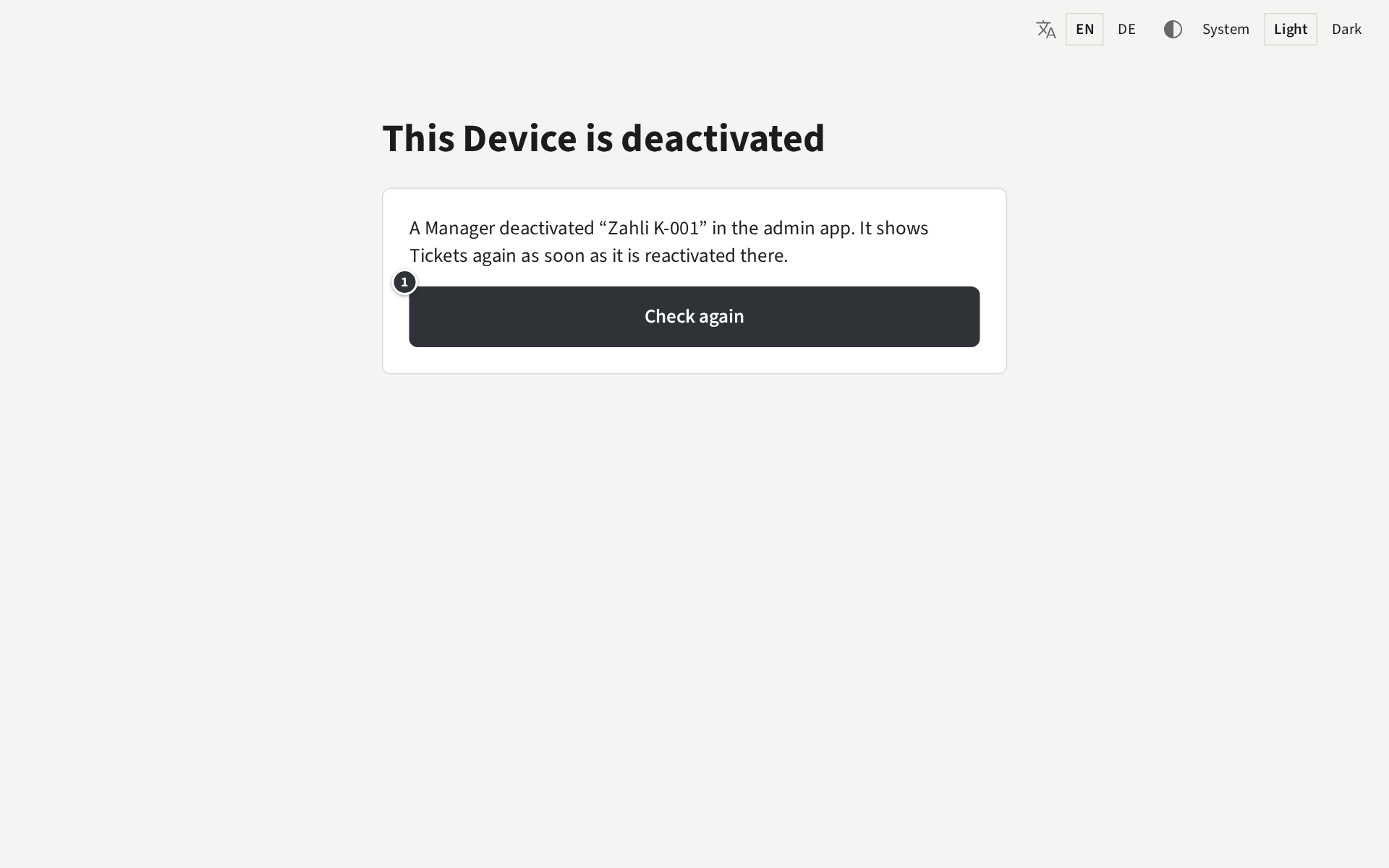
A Manager has stopped this tablet in the admin app, for example because it was lost for a while. Once they reactivate it there, the screen goes back to its Tickets by itself, within half a minute; ① Check again checks at once.
Not rented
Section titled “Not rented”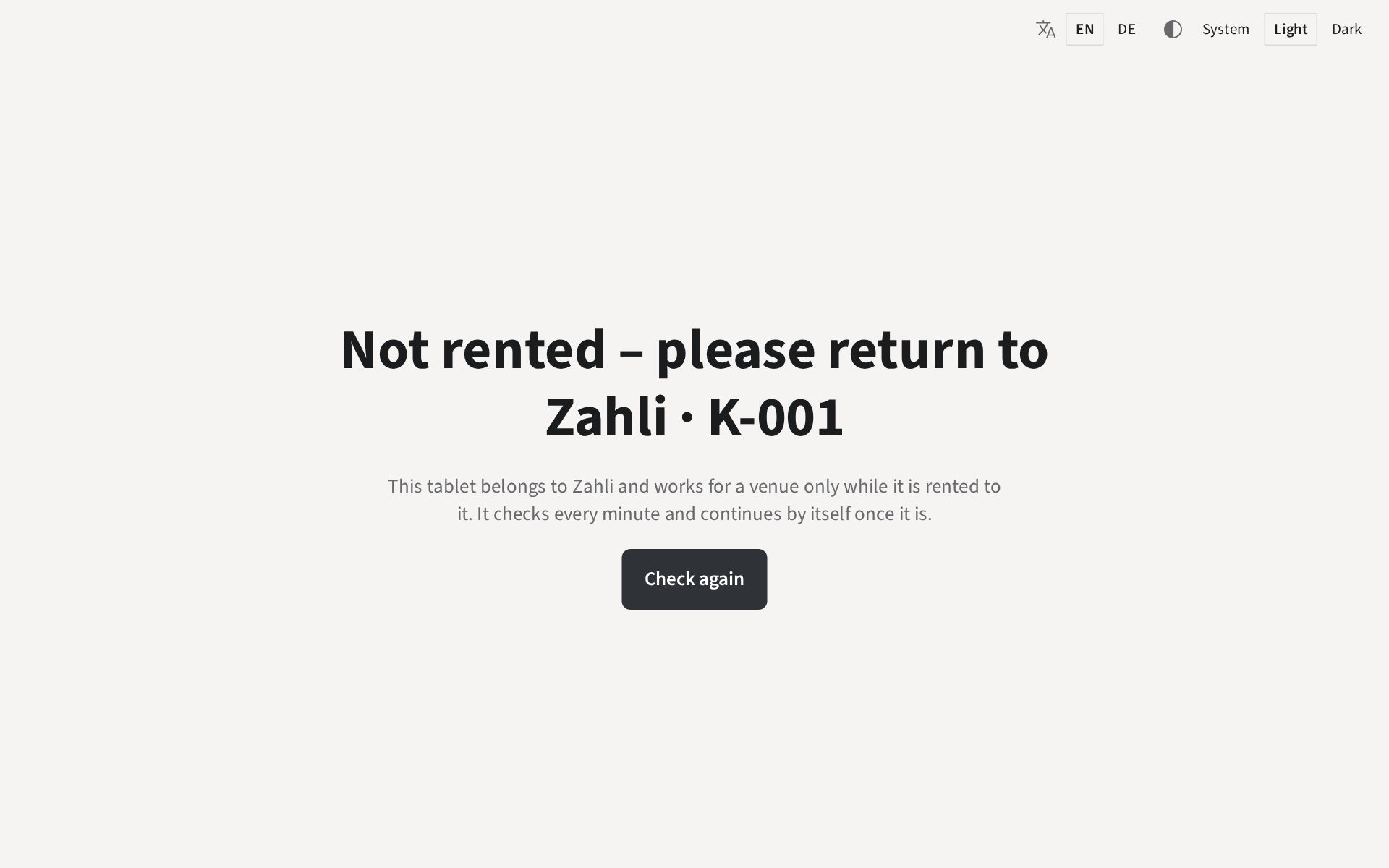
This tablet belongs to Zahli, and the venue’s rental of it has ended. It shows the number on its sticker, here K-001. Give it back to Zahli as agreed. If the venue rents it again, it goes on by itself; it checks every minute, and Check again checks at once.
Asking for a code
Section titled “Asking for a code”When the screen shows Kitchen terminal and asks for a code, the tablet is no longer set up for the venue: a Manager removed it, or its browser data was deleted. A Manager sets it up again with a new code from the admin app, as Devices in the Manager guide explains.
Example: Beizli Muster rented K-001 for the summer. On 1 October the screen says Not rented – please return to Zahli · K-001, and the kitchen hands the tablet back to Zahli with its charger.