
Receipt and Tab page QR
This guide shows what applies to your venue.Show everything
The Tab page
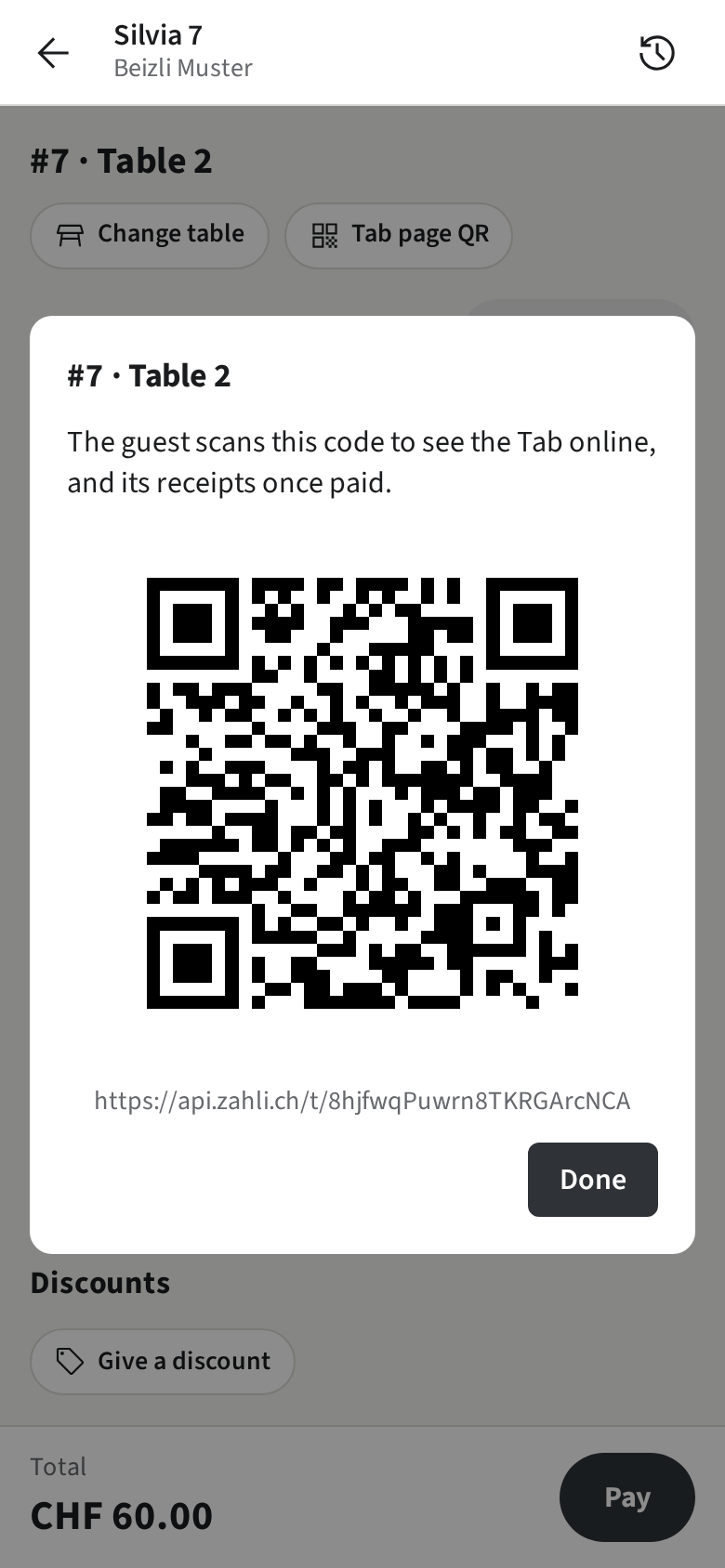
Section titled “The Tab page”Every Tab has its own web page, the Tab page: what was ordered, and once paid, the Receipts. The guest opens it with a QR code; nothing about them is asked or kept.
- On the Tab, tap Tab page QR.
- Let the guest scan the code with their phone’s camera.
Only with Guest slips
Some guests get the code on paper: the Guest slip printed with their Round carries it, with the Pickup number for a Walk-in.
A printed Receipt
Section titled “A printed Receipt”Only with a receipt Printer
Receipts print only when you ask for one.
- Right after paying, tap Print receipt on the Pay sheet.
- Later, open the Tab, for example from the History, and tap ① Print receipt on the Payment.
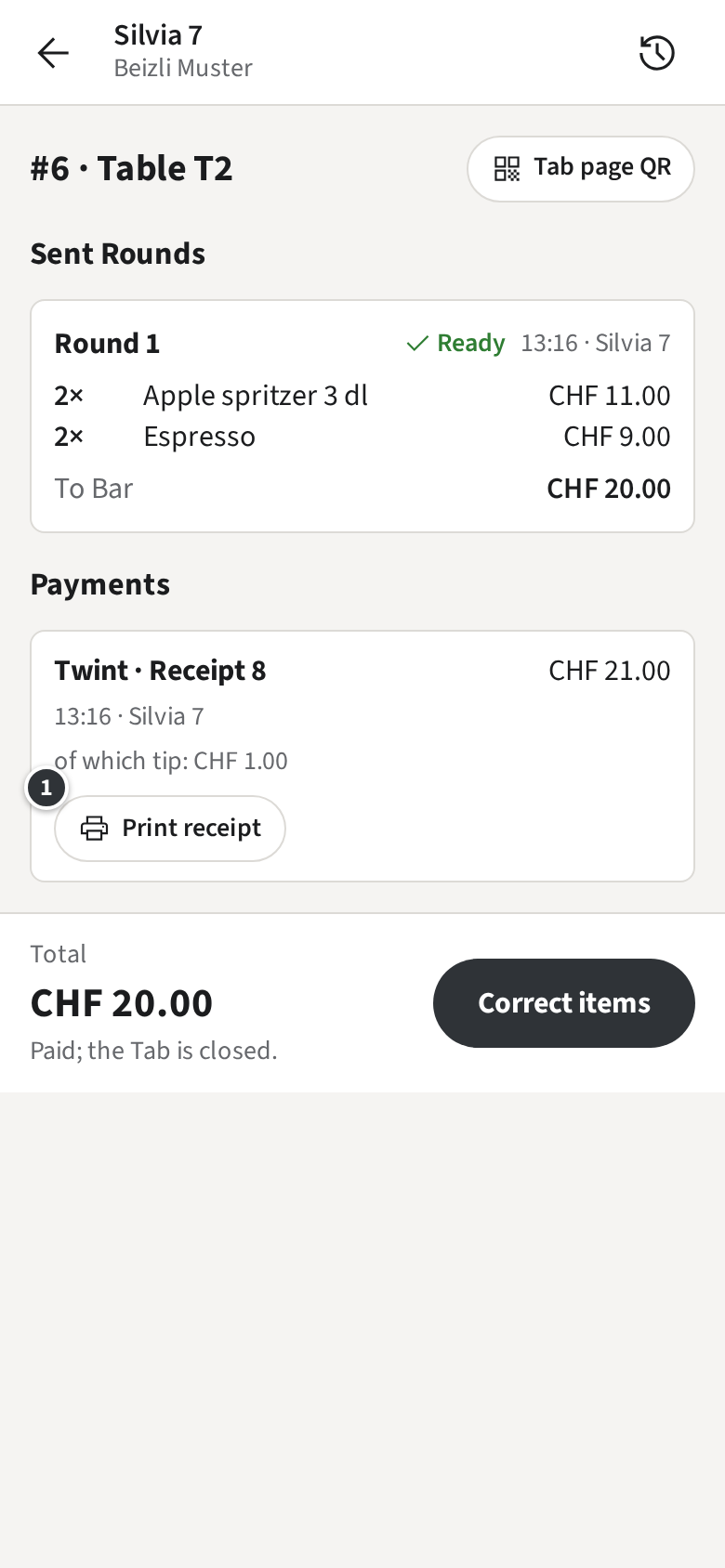
The Receipt prints at the venue’s receipt printer. A Tab paid with several Payments has a Receipt for each.
Only without a receipt Printer
Your venue prints no Receipts; the guest finds them on the Tab page.