
Discounts
This guide shows what applies to your venue.Show everything
Only with Discount presets
A Discount from a preset
Section titled “A Discount from a preset”Your venue has prepared Discounts you may give, such as “Regular 10 %”.
- On the Tab, tap Give a discount.
- Pick the preset ①, add a reason if you like, and tap ② Give discount.
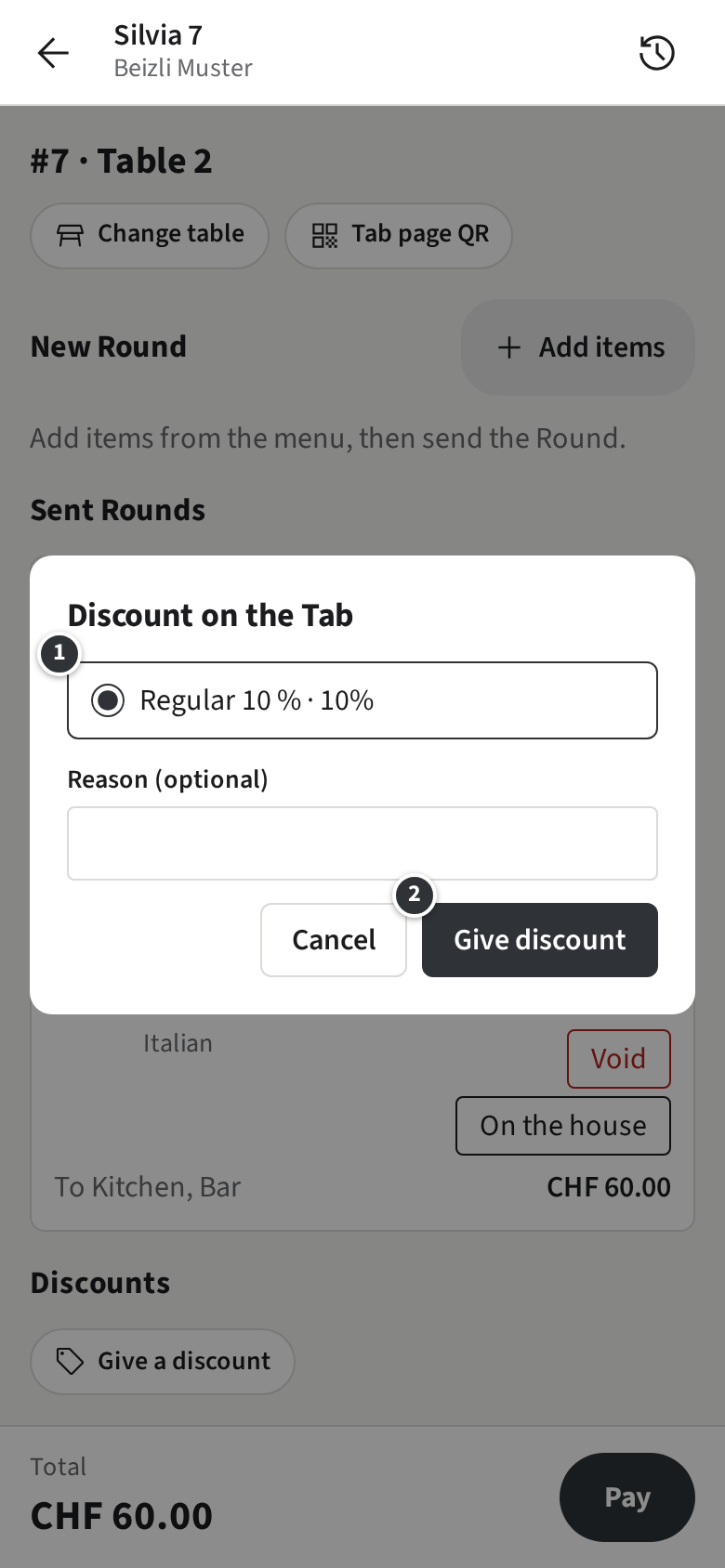
The Tab shows the Discount and the new total. Other Discounts, and presets meant for Managers, are given by a Manager.
Only without Discount presets
Discounts on the whole Tab are given by a Manager.
On the house
Section titled “On the house”To give an item for free, such as a beer for a birthday:
- On the Tab, tap On the house next to the item.
- Set how many, write the reason ① (it is required) and tap Give on the house.
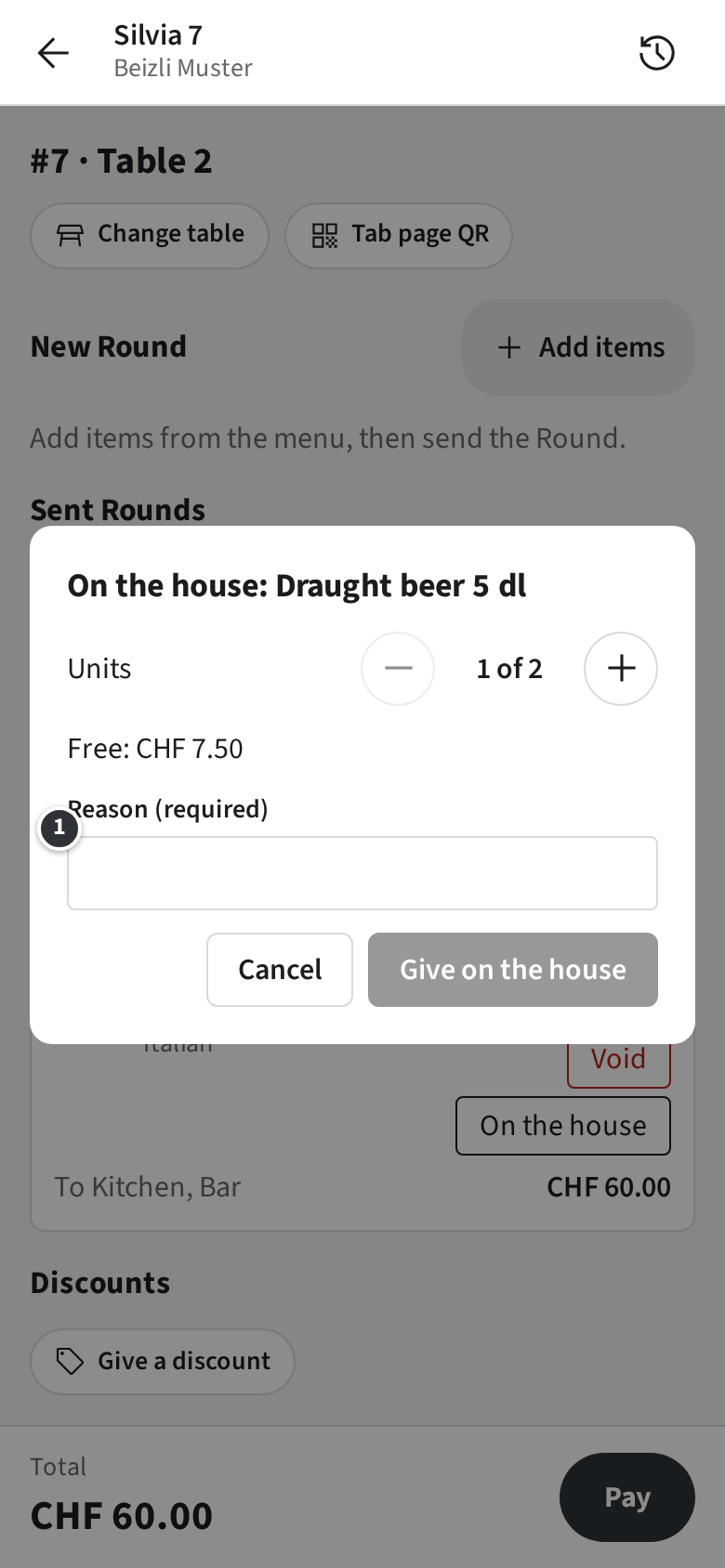
The item stays on the Tab, marked as on the house, and the guest does not pay for it.