
Voids
This guide shows what applies to your venue.Show everything
A Void takes an item off the Tab before it is paid: the guest changed their mind, or you typed the wrong thing.
Example: Table 2 got two beers, but only one was wanted.
- On the Tab, tap Void next to the beers.
- Set how many ①: 1 of 2. The dialog shows what it takes off the Tab.
- Give a reason if it helps ②, such as “ordered twice”, and tap Void.
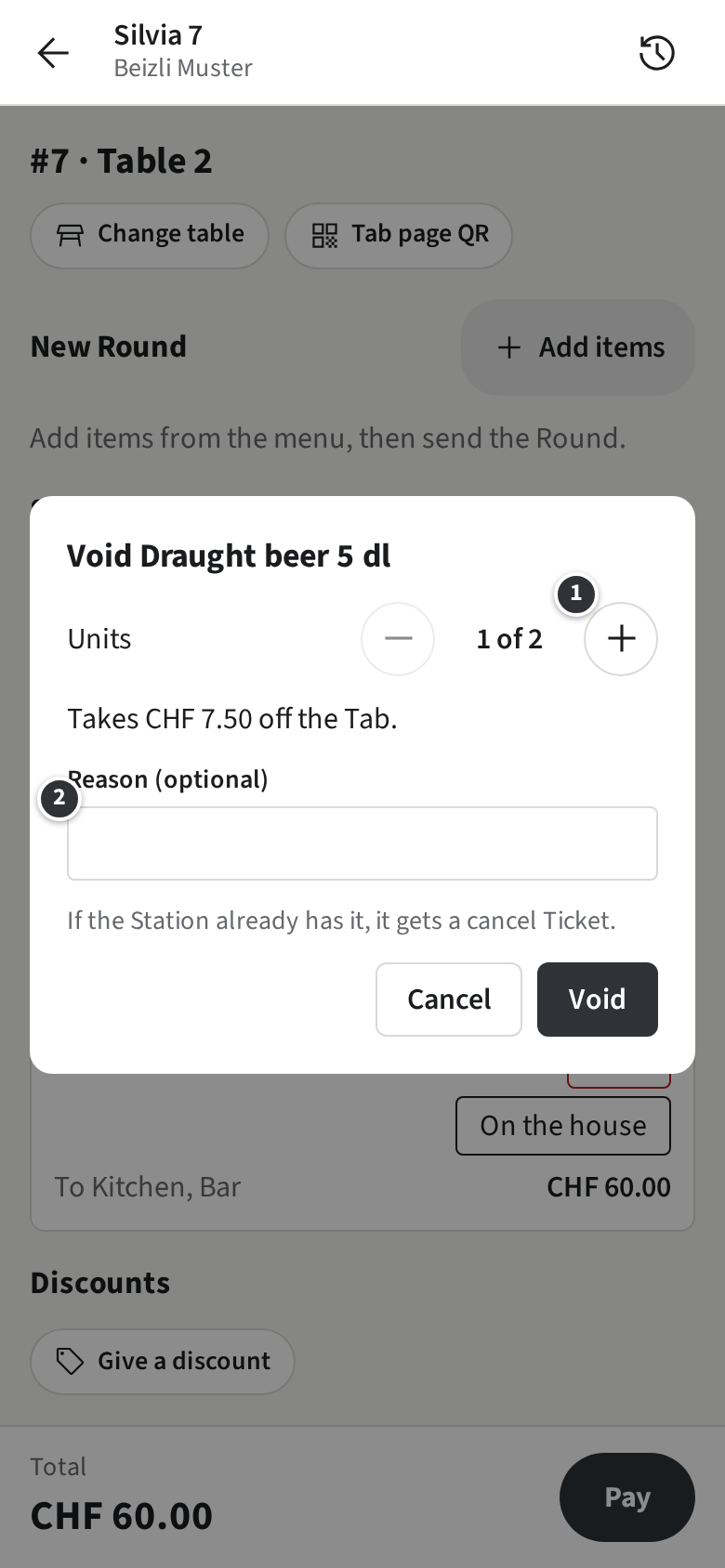
If the Station already has the item, it gets a cancel Ticket, so the bar does not pour it. The Tab shows the Void under Voided.
Only what is not paid can be voided. For items that are already paid, see Correcting your own Payment.