
What TEST means
This guide shows what applies to your venue.Show everything
For training, a Manager can put a phone, a browser or the whole venue into test mode. The staff app then shows the TEST MODE banner at the top of every screen.
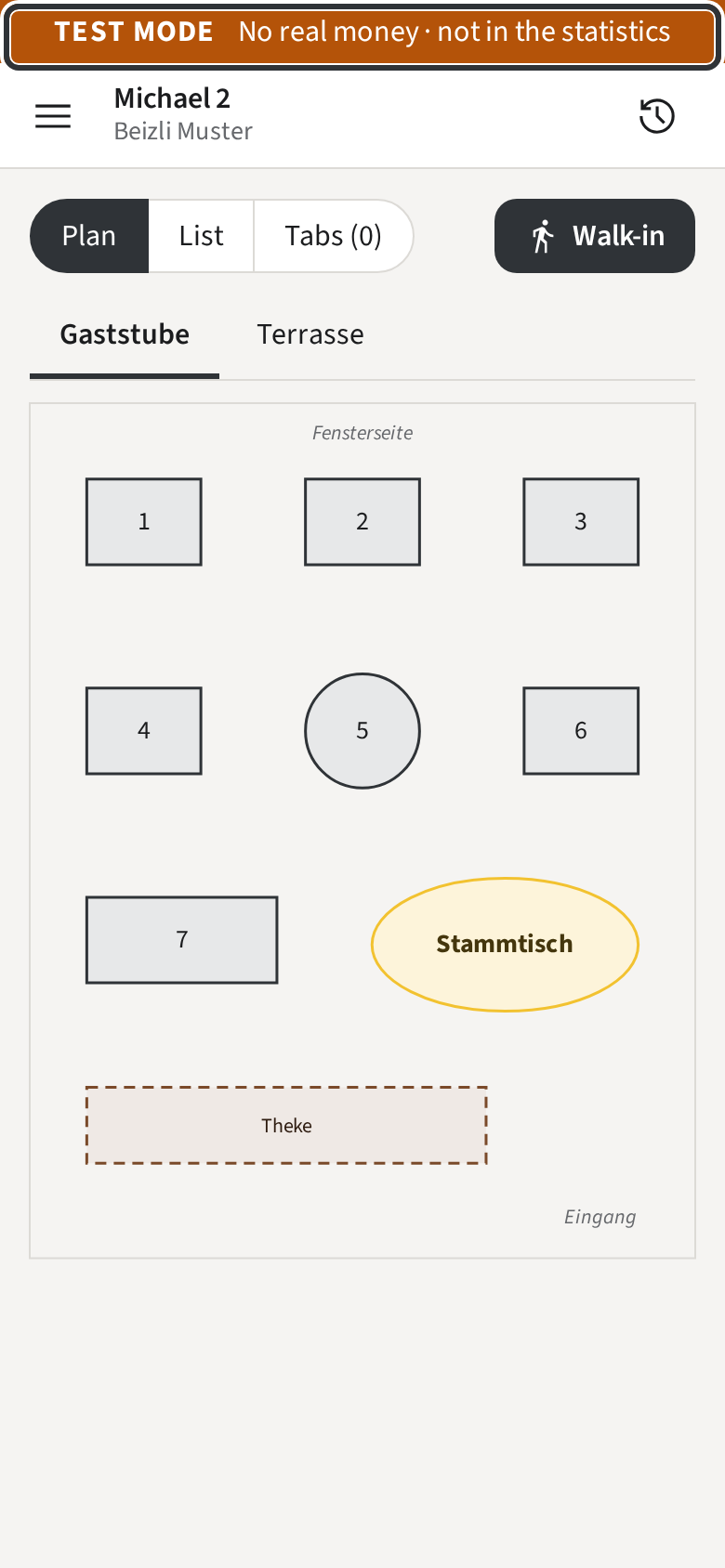
While the banner shows:
- Every Tab you open is a test Tab. It counts in no statistics and no revenue.
- Card payments move no real money.
- The Rooms and the Tabs list show only test Tabs. The real Tabs of the service are still there; they come back once test mode ends.
- Tickets and Receipts still print, with a large TEST on them, so the kitchen knows not to cook. On the Twint code, TEST lies across the QR code.
- In the History, test Tabs carry a TEST badge.
Treat a test Tab like a real one: send, pay and close it as you would in service. Only a Manager switches test mode on and off; if you see the banner during service, tell one.